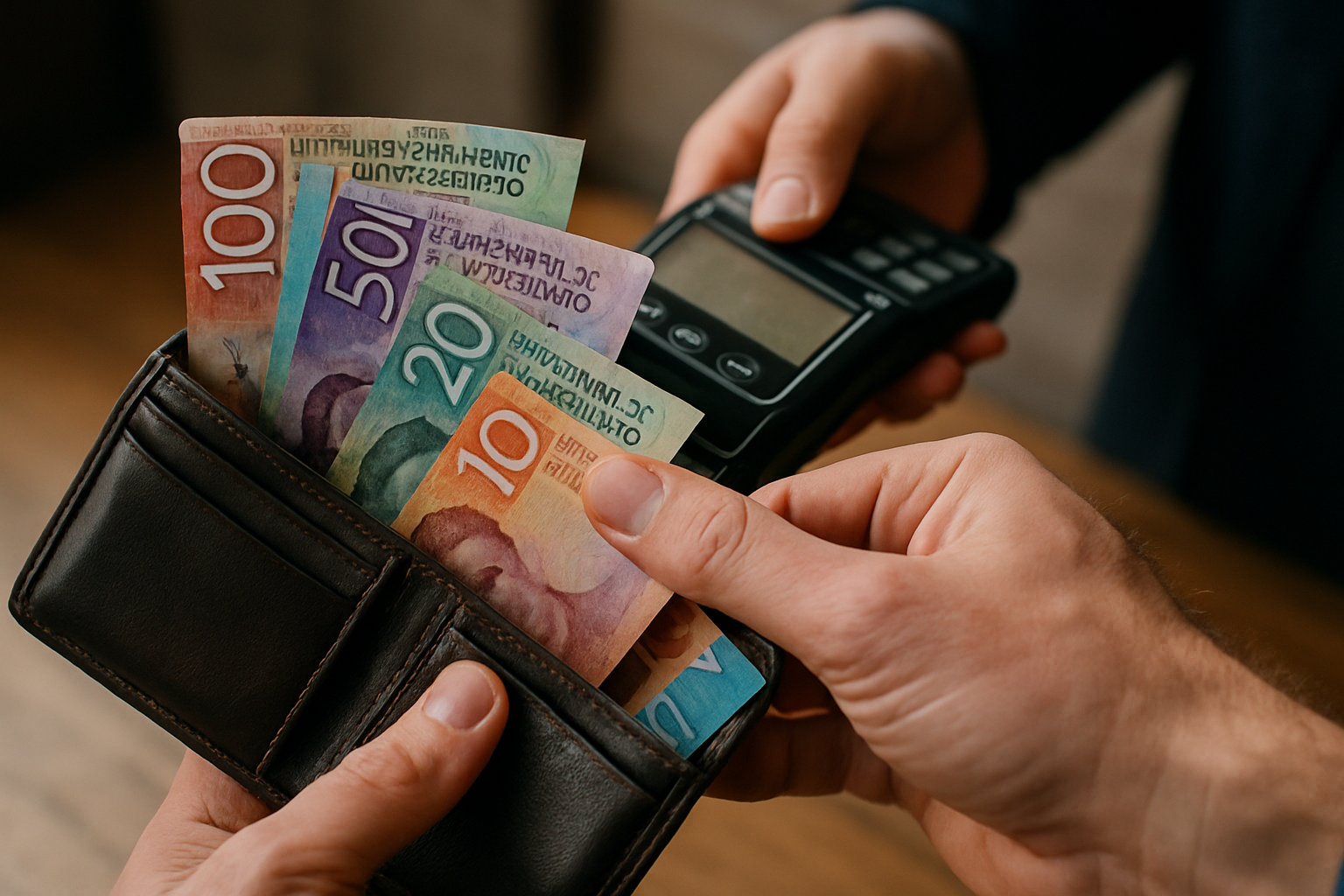
Internet Banking
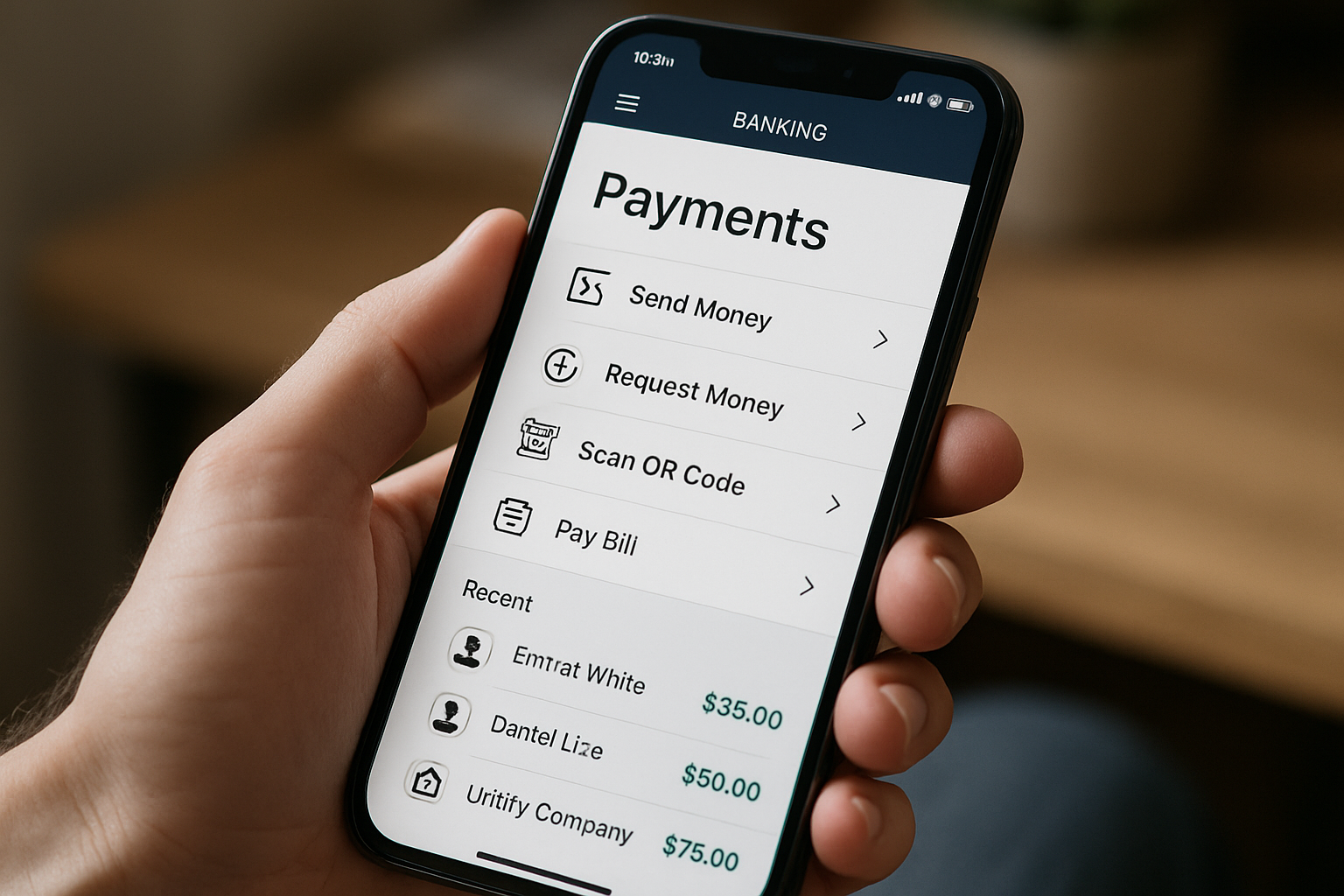
The easiest way to pay is through your banking app using our Registered Payee setup. This ensures your payment goes to the correct account and helps avoid manual errors.
How to pay:
-
Open your banking app or website and choose to make a payment.
-
Search for Gibson Sheat Trust Account in the list of Registered Payees.
-
Our account details will appear automatically.
-
Enter your client or matter ID and your name.
-
Check the amount before confirming your payment.
If you can’t find Gibson Sheat in your bank’s Registered Payee list, you can enter our account details manually using the information on your invoice.
If you have any questions, email accounts@gibsonsheat.com and our Finance Team will be happy to help
Credit or Debit Card
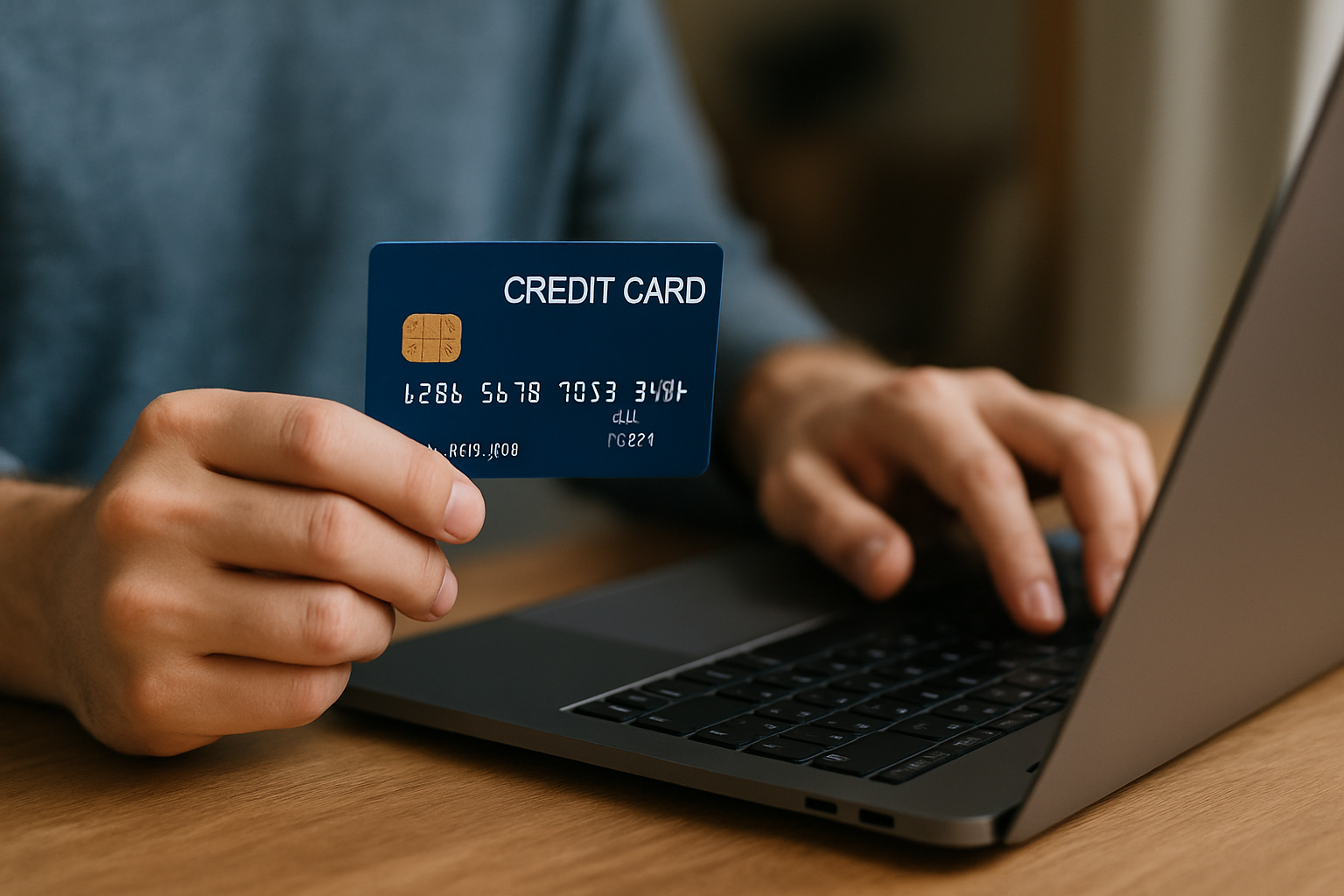
You can also pay securely by card through our online payment portal.
Card payments incur a merchant fee, which will be shown before you confirm your payment.
Paying In Person or by Cash
You’re welcome to pay in person at one of our offices.
Wellington: Online payment available at reception.
Lower Hutt: EFTPOS terminal available for debit, EFTPOS, and credit cards.
Masterton: EFTPOS terminal available for debit and EFTPOS cards.
We prefer electronic payment, but we can accept cash for smaller amounts.
- Cash payments must be under $2,000.
- Amounts over $500 are counted by two staff members and banked the same day.
Under Department of Internal Affairs (DIA) Anti-Money Laundering (AML) rules, larger cash payments require approval from our AML Compliance Officer.